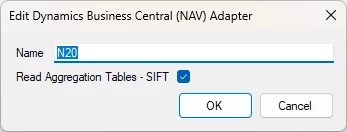
In version 20.10.39 you sneaked in a new features in the BC Adapter data source:
17627: Business Central adapter - Merge extension tables option for SQL Server provider Added option to merge a table and its extension tables together as one table.
This feature could be very useful but I can’t find any documentation on how it works and if there are any limits or considerations that need to be taken into account.
Initial testing suggest that it works for some tables but maybe not for tables in extension modules?
Originally posted on the Timextender Community (Gainsight), 2023-03-22.
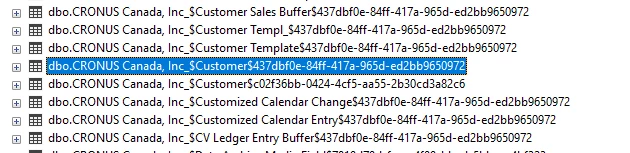
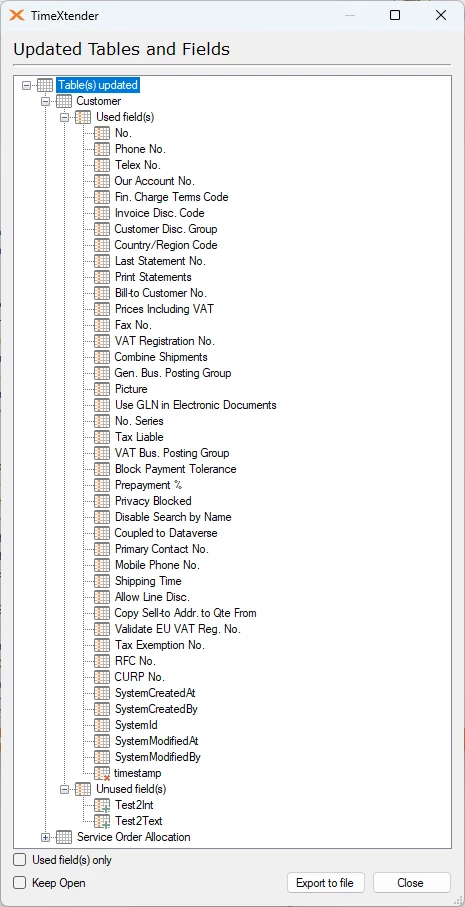
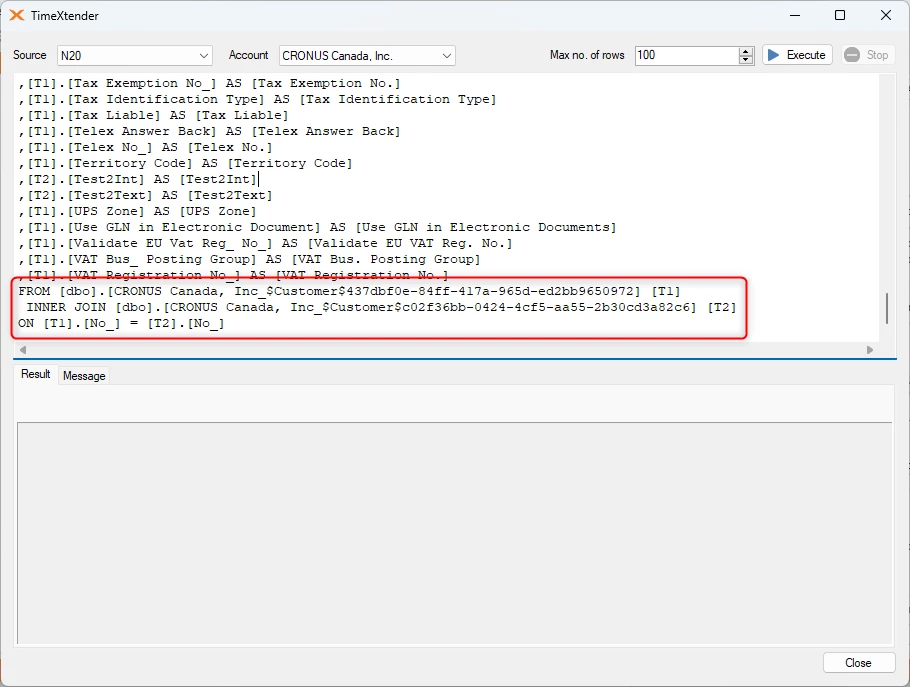
So the what the merge feature does, is to merge these into one customer table for example.
The limits I found was that they were entirely different tables and sometimes the additional ones would make it be not able to be incrementally loaded using the timestamp field.
@andri does Thomas’ answer above help clarify the merge functionality? If so could you please help us by marking the best answer above. Please let us know if you have any follow up questions :)
Thanks, Thomas for giving some description about this feature.
One thing that we are seeing is that fields from extension tables related to “non-standard” BC tables from external modules do not get added to the primary “non-standard” tables. In these cases the extension tables are removed, the guid part of the primary tables are removed from the name but the extension fields do not get added to the primary tables.
Is this a bug, is there a workaround or does this feature only work with extensions to standard BC tables, like Customer, Item etc. ?
The main tables from the external module are available but they do not include any new fields. The guid post-fix is removed from the name and their related extension tables are not shown in the selection area.
Is there a version of BC that manages the $ext tables in BC seamlessly now? I have merge option connection that gets data in the core table, but extension table columns do not come in and only the one named table is available.
@Thomas_Lind working through the workaround here and finding that incremental on the $ext part is not a given as there is no modified date kind of column to rely on. I am not sure if you question from 10 months ago every pointed this as a bug or feature, but would like to see it fast-tracked nonetheless. Working with a project where the BC instance has 20+ entities with $ext portions so this workaround on repeat and then individually managing incrementals and joins within the solution is a bit of a big pill to swallow. Thanks for quick reply.
22218: Business Central adapter not reading extension tables with $ext added to them Resolved issue with Business Central adapter not reading extension tables containing '$ext' suffix.