Hi Everyone,
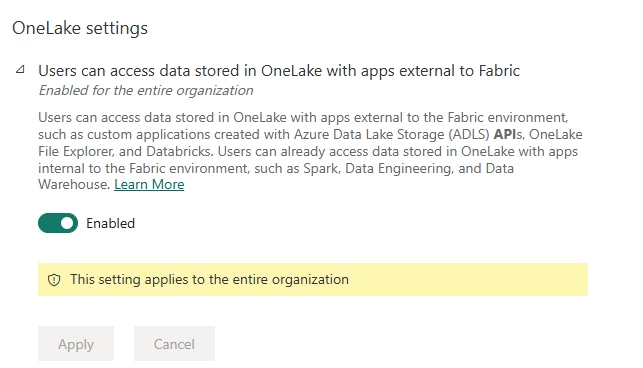
We want to use Fabric lakehouse as ingest layer, and did the setup according to this article:
docs.timextender.com/latest/ingest/fabric-lakehouse-ingest-instance-storage-public-preview/
We are running TimeXtender version 6898.1
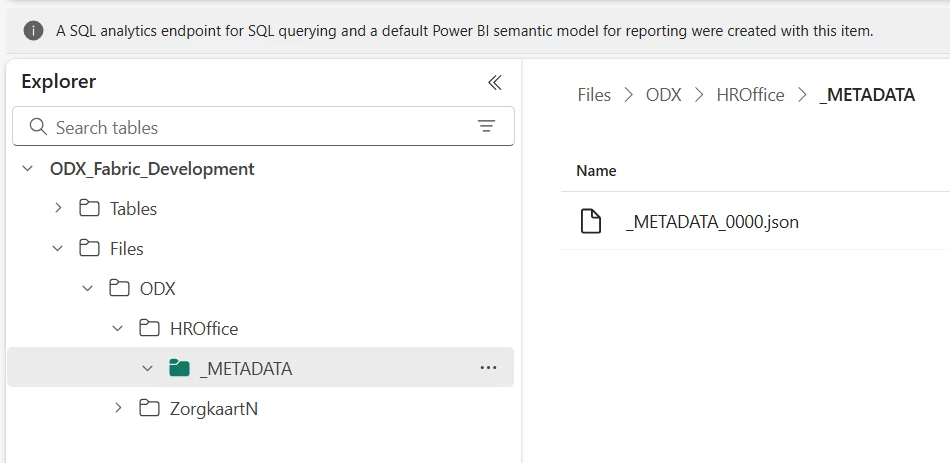
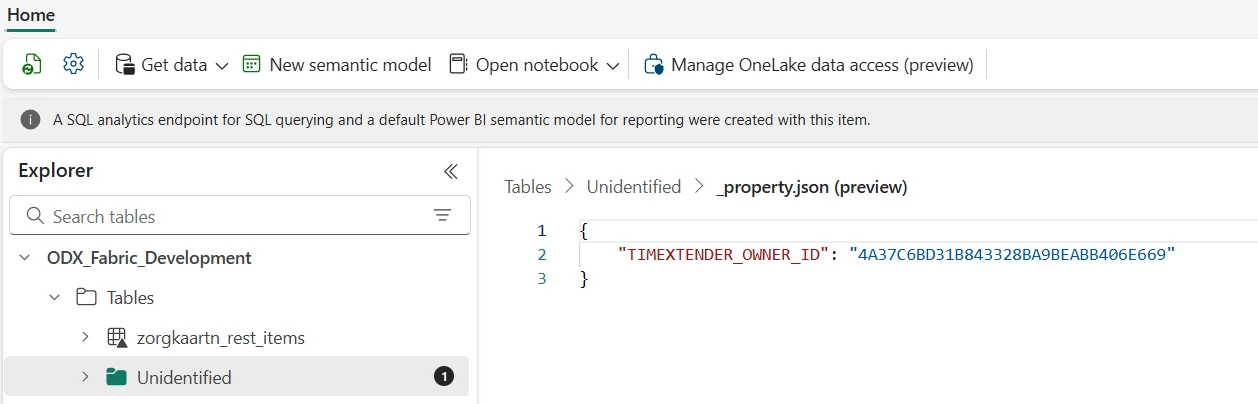
We created the lakehouse form Fabric, not by using the ‘Create Storage; option from TDI.
When we test the connection in TDI, everything looks fine:
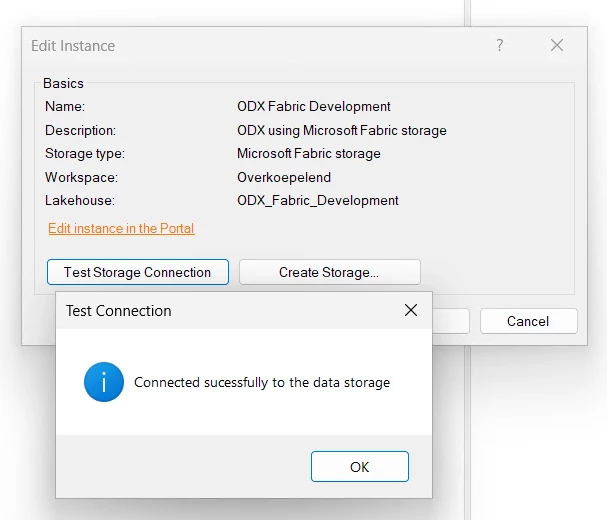
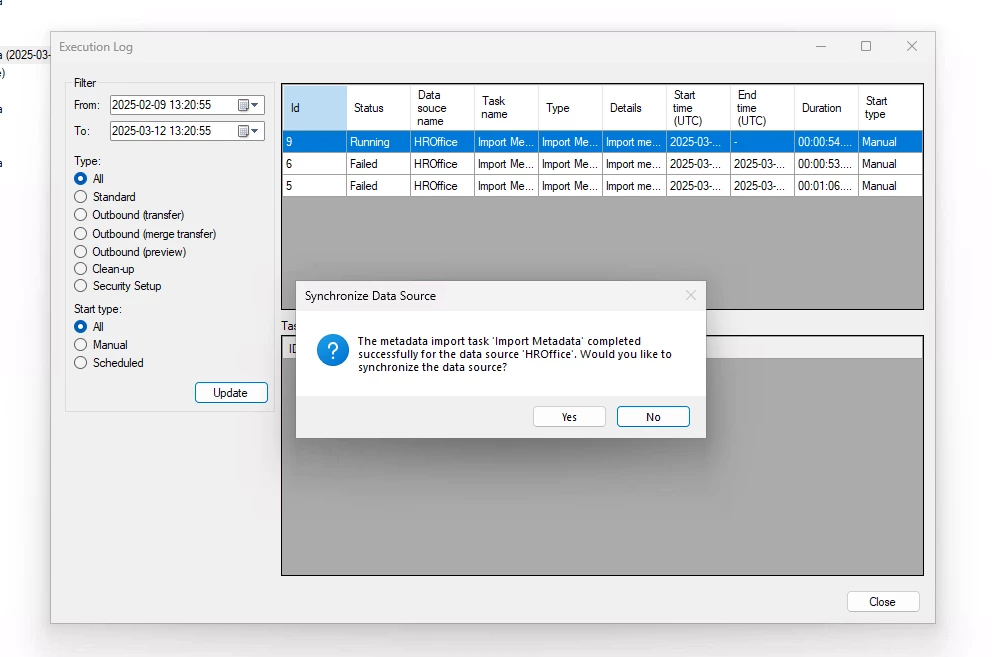
However, the metadata import task fails with following error:
The execution failed with error:
Exception Type: Azure.RequestFailedException
Message: Service request failed.
Status: 400 (BadRequest)
ErrorCode: IncomingOperationUntrusted
Headers:
x-ms-error-code: IncomingOperationUntrusted
Access-Control-Allow-Origin: *
Access-Control-Allow-Headers: REDACTED
Access-Control-Allow-Methods: REDACTED
Access-Control-Expose-Headers: REDACTED
Strict-Transport-Security: REDACTED
X-Content-Type-Options: REDACTED
x-ms-root-activity-id: REDACTED
Content-Length: 0
Date: Thu, 06 Mar 2025 14:57:14 GMT
Server: Microsoft-HTTPAPI/2.0
Stack Trace: at Azure.Core.HttpPipelineExtensions.ProcessMessage(HttpPipeline pipeline, HttpMessage message, RequestContext requestContext, CancellationToken cancellationToken)
at Azure.Storage.Blobs.BlobRestClient.GetProperties(String snapshot, String versionId, Nullable`1 timeout, String leaseId, String encryptionKey, String encryptionKeySha256, String encryptionAlgorithm, String ifTags, RequestConditions requestConditions, RequestContext context)
at Azure.Storage.Blobs.Specialized.BlobBaseClient.<GetPropertiesInternal>d__124.MoveNext()
--- End of stack trace from previous location where exception was thrown ---
at System.Runtime.ExceptionServices.ExceptionDispatchInfo.Throw()
at System.Runtime.CompilerServices.TaskAwaiter.HandleNonSuccessAndDebuggerNotification(Task task)
at Azure.Storage.Blobs.Specialized.BlobBaseClient.<ExistsInternal>d__118.MoveNext()
--- End of stack trace from previous location where exception was thrown ---
at System.Runtime.ExceptionServices.ExceptionDispatchInfo.Throw()
at System.Runtime.CompilerServices.TaskAwaiter.HandleNonSuccessAndDebuggerNotification(Task task)
at Azure.Storage.Blobs.Specialized.BlobBaseClient.Exists(CancellationToken cancellationToken)
at Azure.Storage.Files.DataLake.DataLakePathClient.Exists(CancellationToken cancellationToken)
at DataStorageEngine.Fabric.FabricStorageEngine.ImportDataSourceMetaData(DataSourceModel dataSourceModel, List`1 tableModels)
at ExecutionEngine.Action.ExecutionAction.<.ctor>b__11_0()
I dont't have a clue what is going wrong. Is there some way to test it another way?
I Understand a notebook will be created, but I don't see any in Fabric.
Also, using fabric as an ingest instance is in public preview for 11 mons now.
Can we use it in an production envirionment (so, when will it be GA)?
Kind regards,
Pieter
Originally posted on the Timextender Community (Gainsight), 2025-03-07.